Tutorial
Choose the method that fits your workflow best. Whether you prefer real-time tracking, end-of-day reviews, or complete automation, TimeCamp has you covered.
TIMESHEETS
| Method | Best For | Accuracy | Effort | Recommended Feature |
|---|---|---|---|---|
| Real-time | Billing, multitasking | ⭐⭐⭐⭐⭐ | High | Quick Start |
| End of Day | Deep work, memory aid | ⭐⭐⭐⭐ | Medium | Calendar |
| End of Week | Long tasks, few projects | ⭐⭐⭐ | Low | Calendar |
| Automatic | Everyone, forgetful users | ⭐⭐⭐⭐⭐ | None | AI Features |
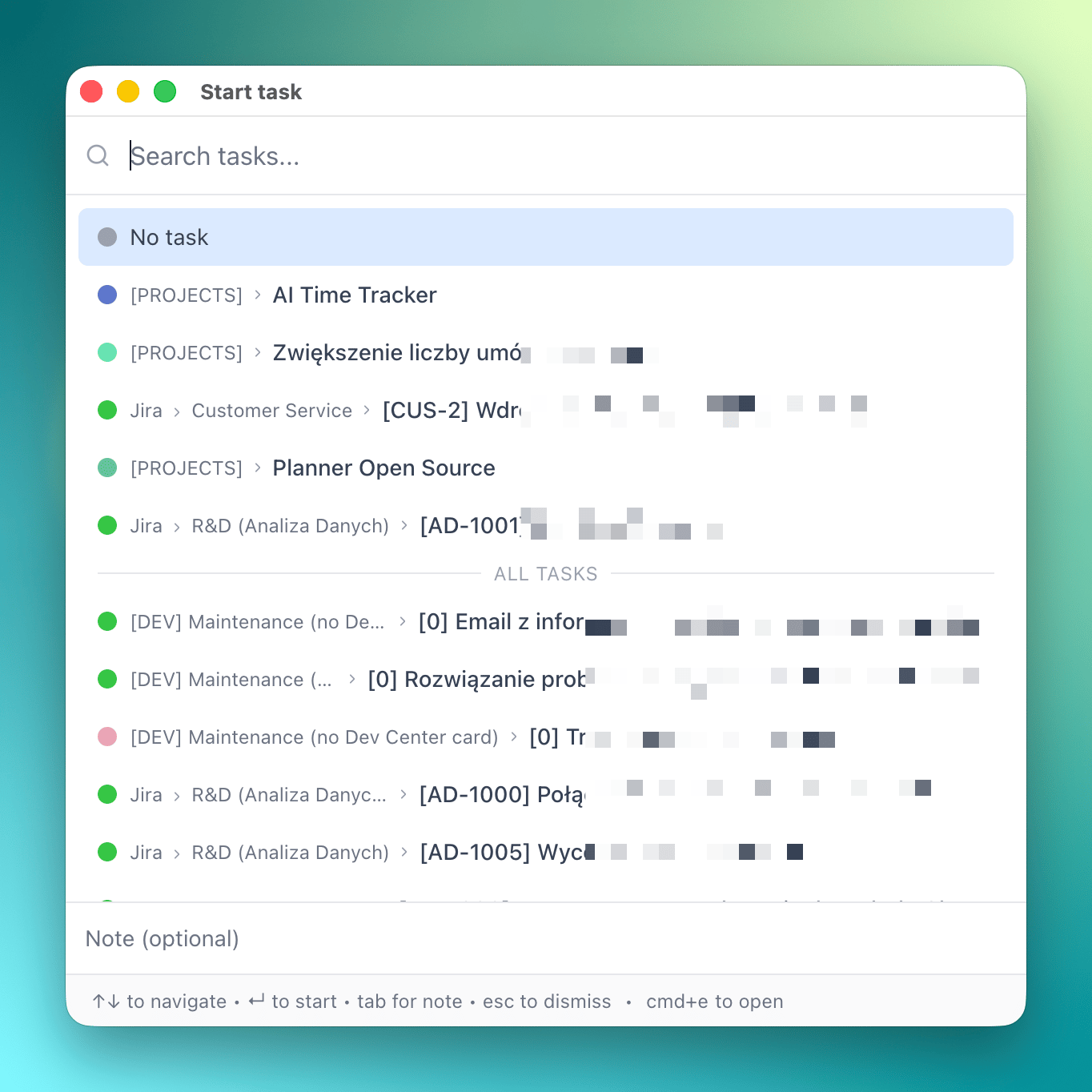
Tracking time in real time using timers
Stay focused on the task at hand by starting timers as you work. This is the most accurate way to capture every minute as it happens, perfect for billing clients or detailed project tracking.
- Use the Quick Start launcher (Cmd+E / Ctrl+E)
- Or start a timer from the Widget or Menubar
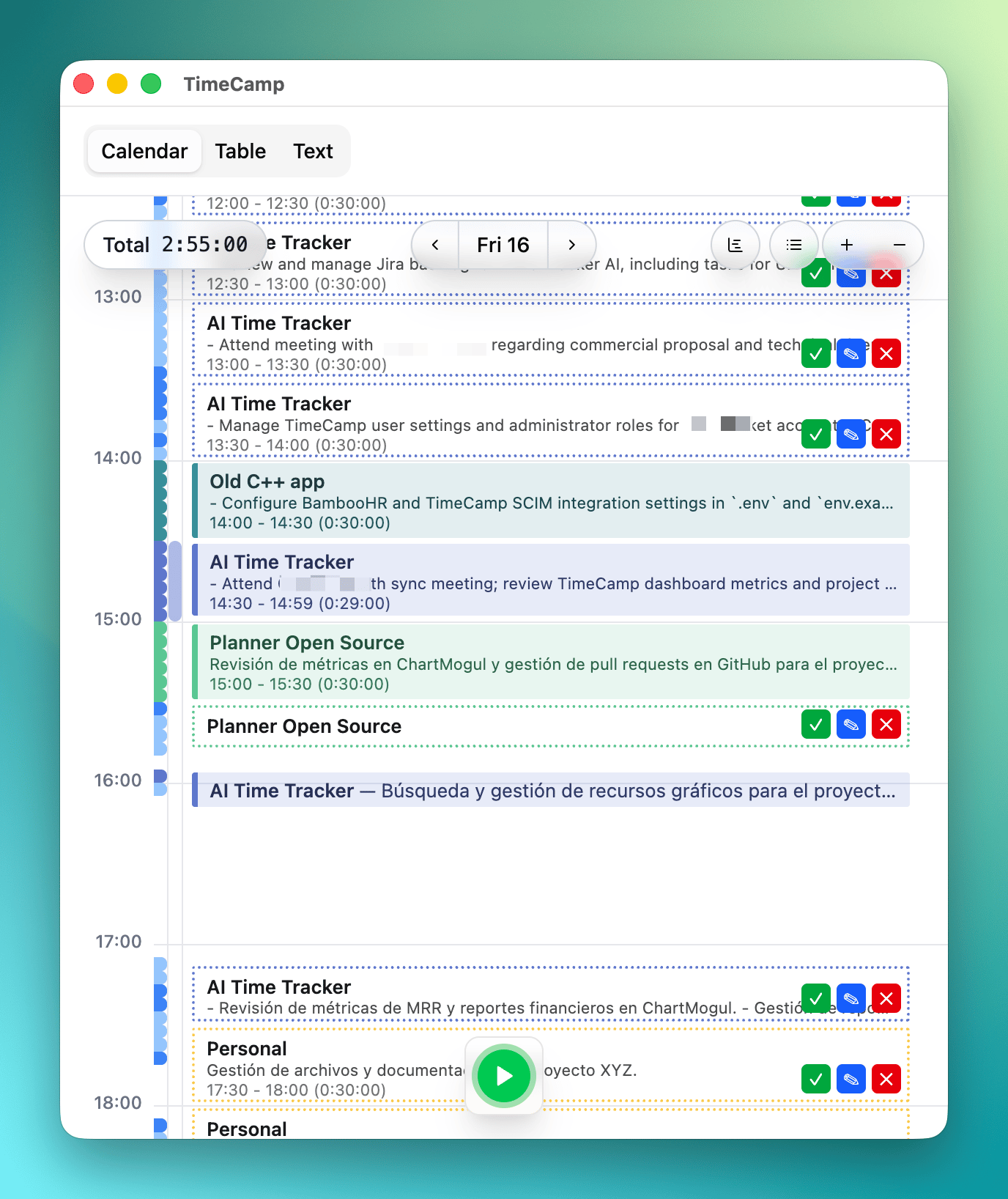
Tracking time at the end of the day
Prefer to work uninterrupted? Fill in your timesheet once your day is done. Use the visual memory aids to recall exactly what you worked on.
- Use Calendar View to block out your day
- Use List View for a quick checklist approach
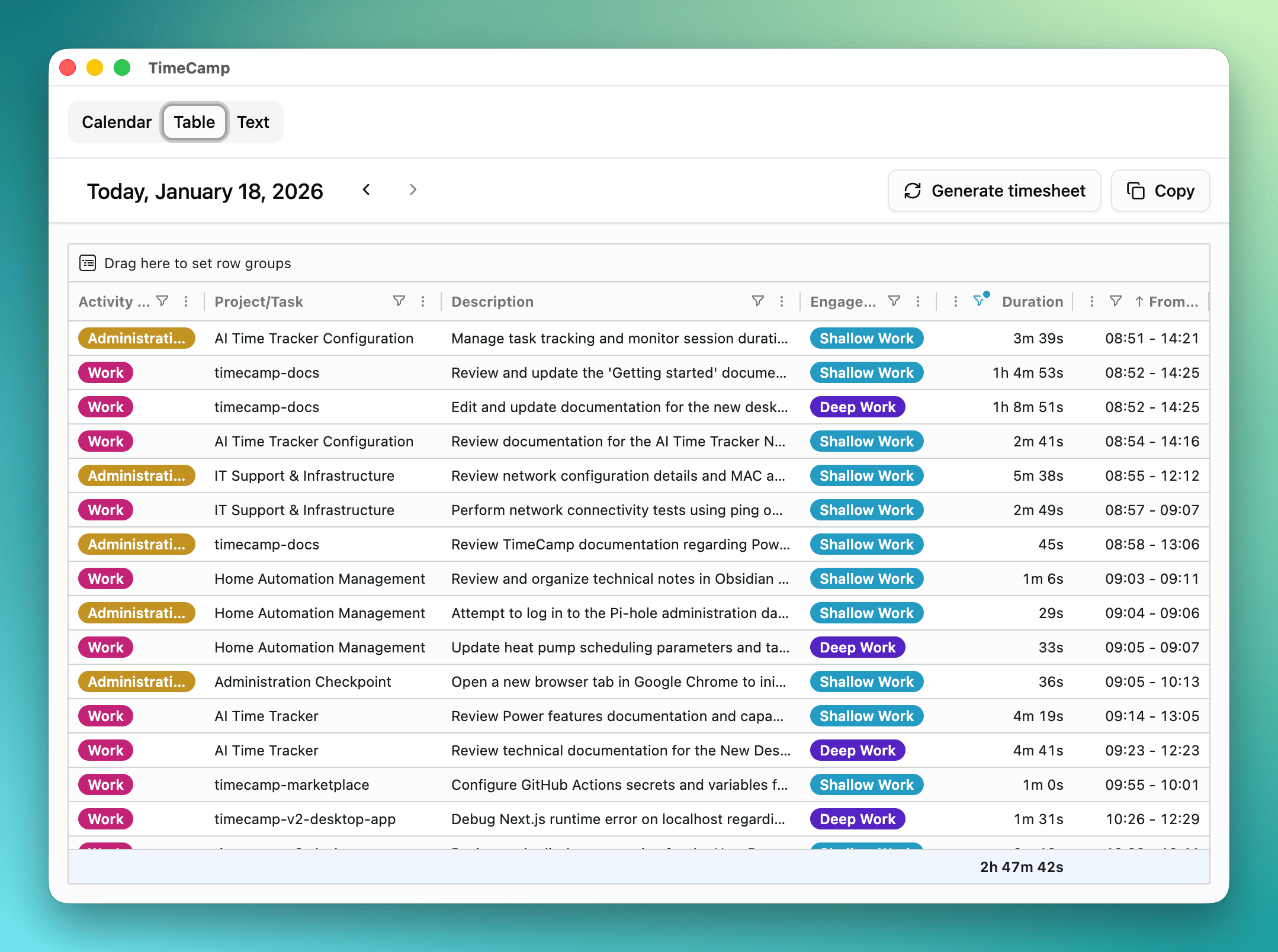
Tracking time at the end of the week
If your week consists of fewer, longer tasks, a weekly review might be all you need. Quickly fill in gaps and ensure everything is accounted for before the weekend.
Best if you don't have many distinct tasks.
- Use Table View for bulk editing and review
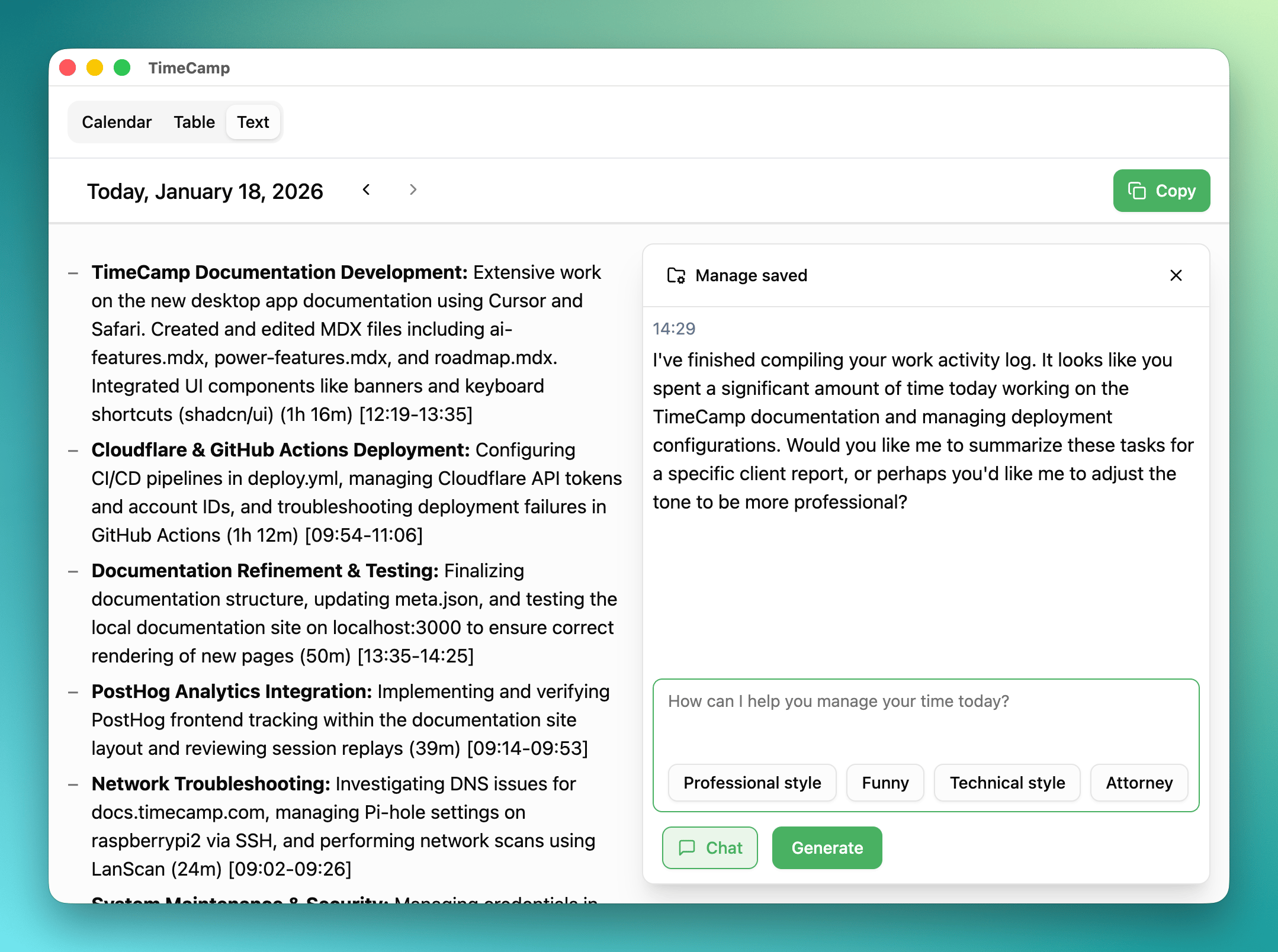
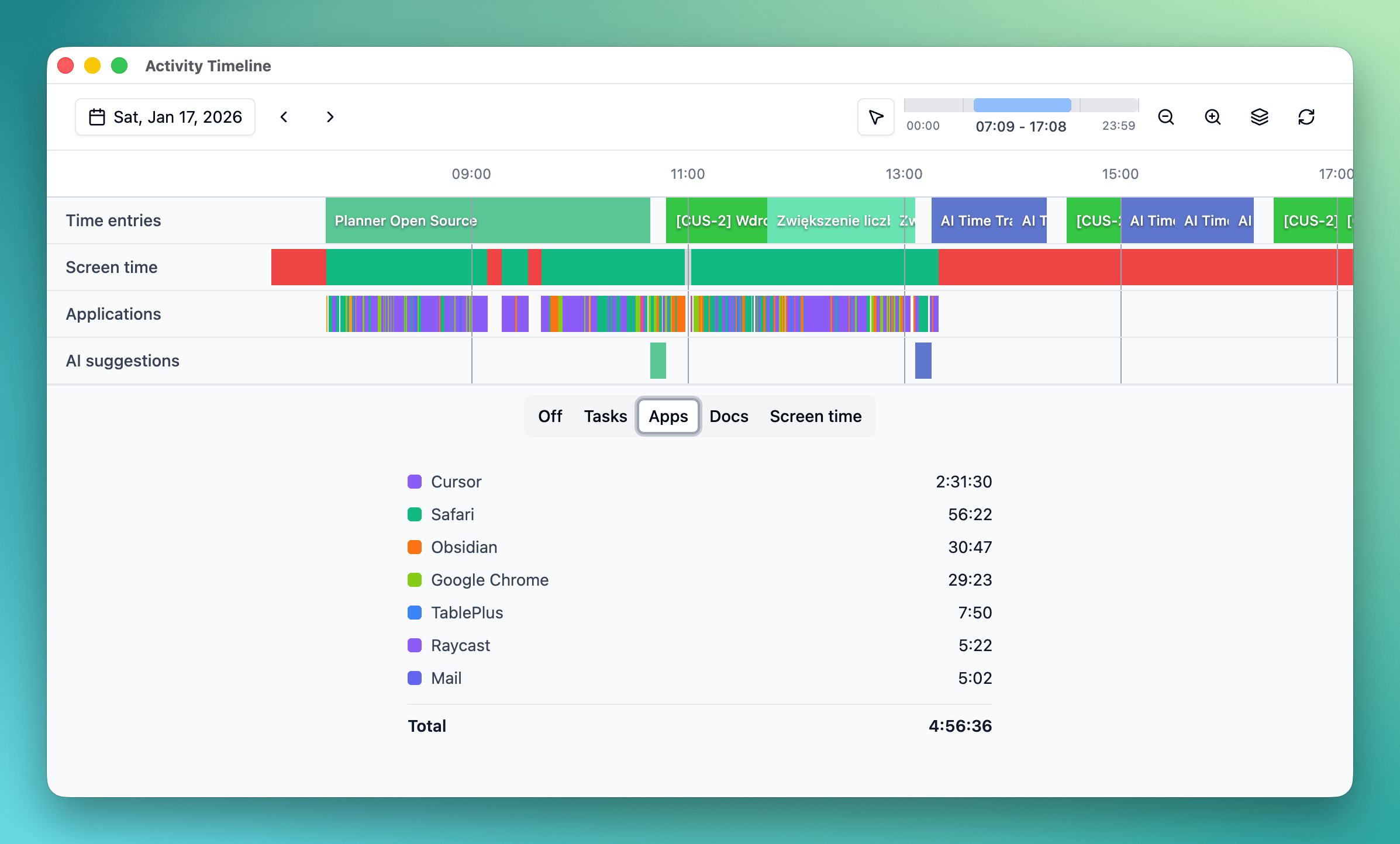
Tracking time completely automatically
Forget about timers altogether. Let AI do the heavy lifting by observing your work patterns and filling your timesheet for you.
- Learn more about AI Features
- Configure Power Features for better accuracy
DAILY SUMMARY
Sharing what you did in a day with a team
Need to send a stand-up update or a daily report? Quickly generate a text summary of your day to share with your team via Slack, Email, or standard stand-up meetings.
- Use Text View to copy-paste your day's summary
- Use chat to customize tone of the summary